Key Takeaways
-
Self-serve onboarding doesn't mean handing customers off and hoping for the best. It means building a portal that guides customers proactively with structured playbooks, progress tracking, and clear next steps, while freeing your CS team for the conversations that require human judgment.
- The biggest failure mode in self-serve onboarding is customers who lag silently. The fix isn't more handholding, it's analytics that surface at-risk customers early, so your team can intervene before disengagement becomes churn.
- Self-serve works best as a complement to human support, not a replacement for it. Customers need a clear escalation path for the moments where self-service isn't enough.
- Product adoption gaps — where customers engage with some features but ignore others — are one of the most common self-serve onboarding failures. They're invisible without usage data, and fixable once you can see them.
Did you know it takes 100 days to onboard the average corporate client?
From complex processes to inefficient support systems, many software-as-a-service (SaaS) companies struggle to get new customers into their ecosystems as fast as they hope.
But how do you really turn a bad onboarding process into a good one? It's not always as simple as making a few quick changes to your instructions or uploading a couple of new videos. To truly transform your new client experience, you may need to set up a self-service customer onboarding portal.
Here's a look at what these are and how they can help your business.
What Is Self-Serve Onboarding?
Self-service onboarding is one way to introduce new clients to your products. It involves giving customers the tools they need to complete the onboarding process themselves instead of being led by your team.
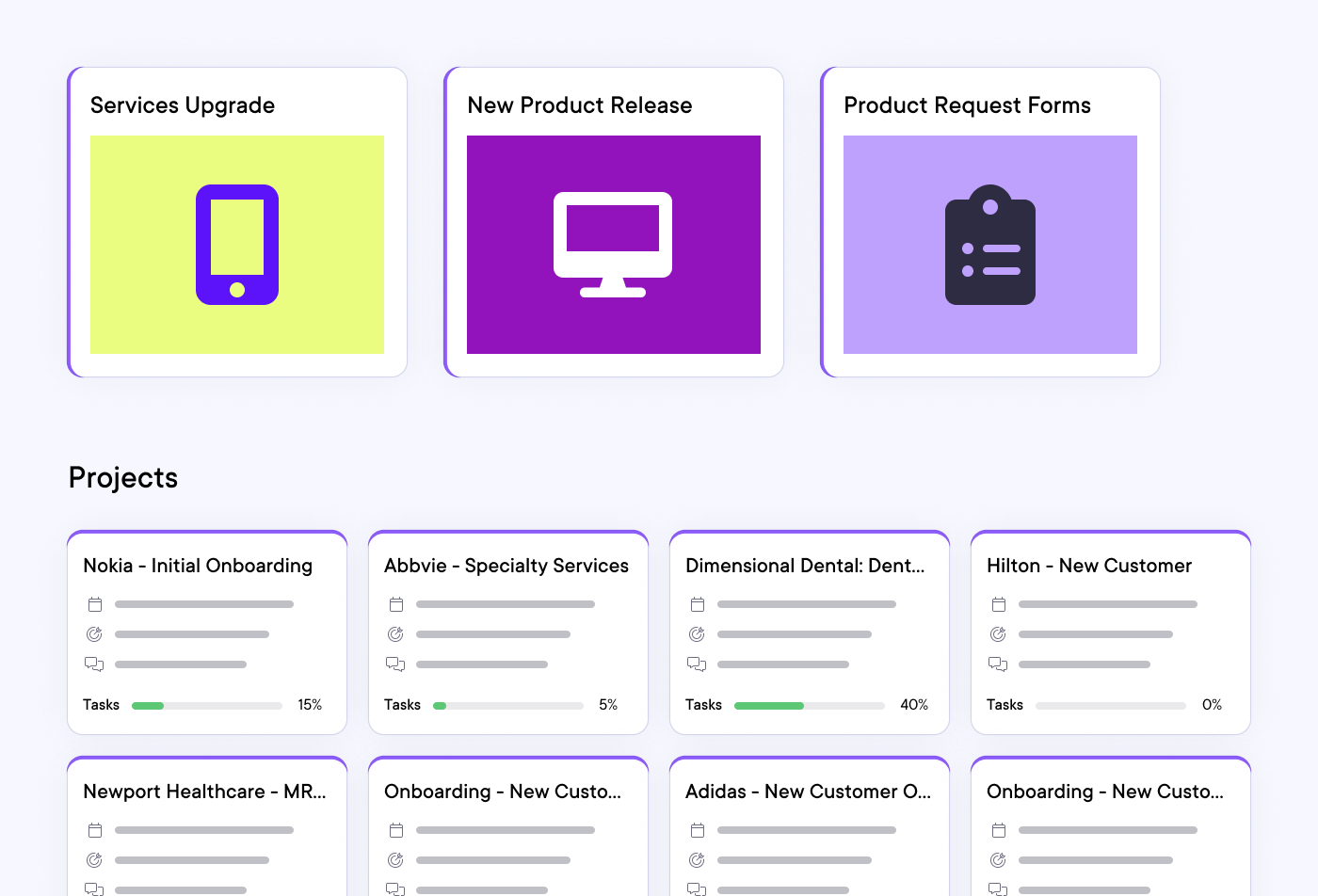
This often happens via a portal that customers can use to access the guidance they need whenever they want. Your portal will probably feature self-serve playbooks, answers to common questions, and explainer videos. You should include anything your clients need to learn how to use your tools.
Your onboarding platform will also give you access to a bunch of back-end data, which you can use to figure out the strengths and weaknesses of your process.
Benefits of Self-Serve Onboarding
All of your key stakeholders can benefit from your investment in self-service onboarding. Here's how.
Empowers Customers
Employee-led onboarding can be painfully slow. New customers must wait for meetings with their onboarding team to move forward. That can be super frustrating for someone who just spent a lot of money on your software and wants to get value from it as soon as possible.
A self-service portal lets new clients learn at their own pace instead. They’ll be free to focus on whatever tools matter most to them and can learn as fast or slow as they want. This creates a more efficient, customer-friendly onboarding experience, which empowers clients to start using your software like a pro faster.
Improves Product Adoption
Like many SaaS providers, you may face some resistance in your onboarding process. Employees used to doing work with one platform won't always happily move to another.
Customer portals can help you fix this problem by helping new customers get value from your product faster. Once people see how much more useful your tool is than what they were using previously, adoption rates should increase.
Reduces Churn
Self-serve portals also reduce customer churn. They help new customers adopt your software faster, which makes it less likely they'll cancel your services. With high adoption rates and increased convenience also comes elevated customer loyalty.
Frees up Employees
Finally, self-service onboarding also frees up time for your employees. They won’t have to guide new customers through the entire onboarding experience. They can act as a secondary form of support and guidance instead. Those extra labor hours can go toward other tasks that help your business succeed.
How To Create a Self Service Onboarding Process
Your onboarding process should reflect the unique needs of your clients and employees. Here's how to start building a process that achieves that.
1. Assess Client Needs
First, think of what your ideal onboarding experience looks like. You can look to your clients for guidance. Think about what they want to get out of your product and how you can deliver that to them faster.
Once you understand your client’s needs, you can design an onboarding experience around them. It can serve as a model customers can personalize as they go through their onboarding journey.
It’s also important to consider whether some client groups have distinct onboarding needs. For example, B2B clients with different buyer personas may each require a unique onboarding model. But this depends on whom your products serve.
2. Choose the Right Platform
Assessing client needs helps you figure out what your onboarding experience should be like. Once you have that information, you can start shopping for a platform that will meet those needs.
Pay special attention to features, data collection, and options for customization. You want to be able to mold whatever platform you choose into something uniquely beneficial to your company.
OnRamp is an onboarding portal with enough features to meet even the most complicated client needs. It can:
-
Guide customers through each phase of your onboarding experience
-
Alert you when customers are behind
-
Help you improve efficiency with detailed analysis
3. Supplement With Team Support
Self-serve onboarding is customer-led but not entirely hands-off. You still want your human experts to provide support for struggling clients. They’ll help to reduce tensions, provide personalized answers, and show your clients that you take their questions and concerns seriously.
The good news is that analytics tools can help you decide when to offer human support. For example, your onboarding platform can track which part of the process clients struggle with most. You could schedule an automated email letting them know you’re available to help when a customer begins that section.
4. Track and Adapt
Finally, ensure you track and adapt your onboarding experience as you get new data. Processes and videos that used to be effective don’t always stay that way. To maintain a high-level onboarding experience, you need to watch data. It’ll tell you when experiences or resources are no longer working.
Self-Serve Onboarding Challenges
Self-serve customer onboarding can be great for your business and its clients. But you may run into a few challenges while setting it up.
For example, some customers may struggle to learn how to use your product on their own. This can lead to a slow onboarding experience and frustration with your brand. You can fix the problem by watching for lagging customers on your platform and offering human support when you find them.
Also, putting customers in charge of their onboarding process doesn’t automatically lead to them using each of your tool’s capabilities. They may focus on certain features and ignore others. This can lead to customers feeling like they’re not getting as much value from your product as they should.
The solution will, once again, come from data. You can use your onboarding portal to see which product features are getting ignored. Then, change the way you teach new customers about those features to improve usage.
Take the First Step Toward Self-Serve Customer Onboarding
Self-serve onboarding can revolutionize how new customers learn to use your product. It’s a more efficient, personalized strategy that reduces churn and boosts profits. But you have to partner with an onboarding platform that treats your company like the unique business it is. That’s where OnRamp comes in.
Our leading onboarding software gives you full control over your new customer experience. It also includes analytical guidance and support from real people who can tell you exactly what you need to do to move forward.
So why wait? Get in touch for a demo if you’d like to learn more.
Frequently Asked Questions
.svg "Clip path group (1)")


.svg)
.svg)
.svg)


.svg)
.svg)
.png)
.svg)


.svg)
.svg)
.svg)